A Players email signatures
Gmail on desktop
- 1Click Copy signature under your name.
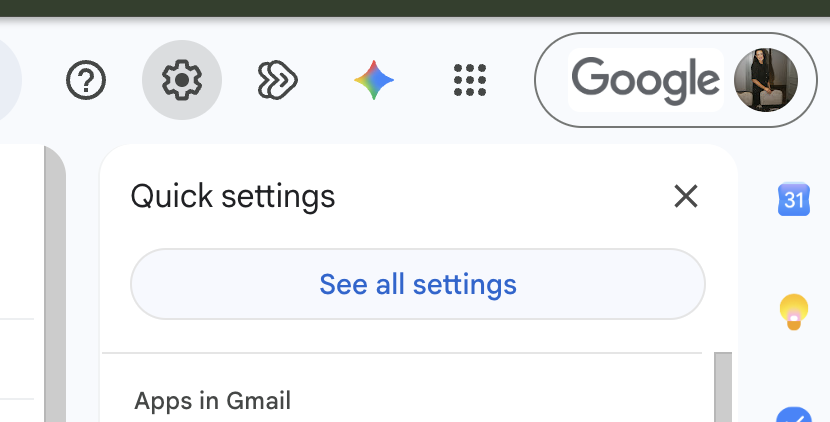
- 2In Gmail, click the cog, then See all settings.
- 3Scroll to Signature and click Create new.
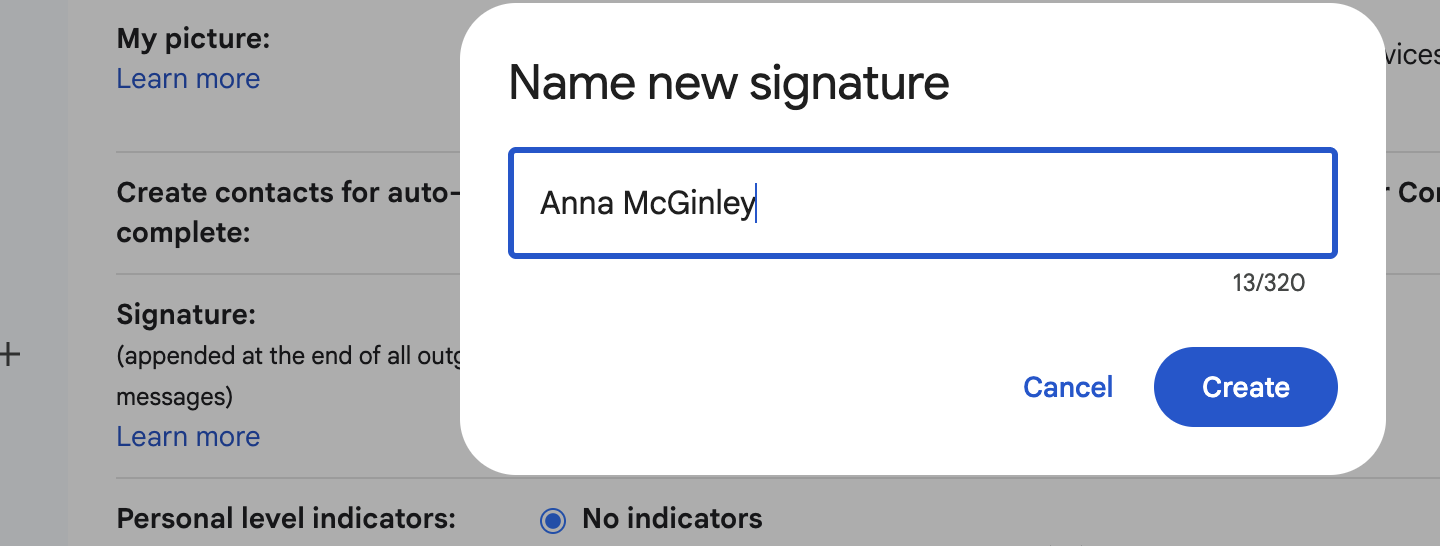
- 4Write your full name in the box and click Create.
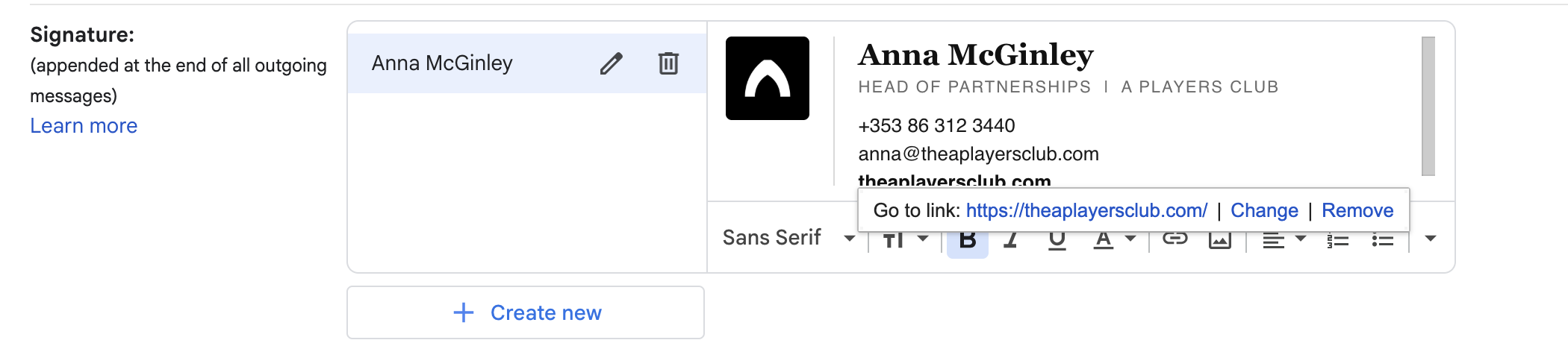
- 5Paste the signature into the box beside your name.
- 6Under Signature defaults, set it for new emails and for replies/forwards.
- 7Scroll down and click Save Changes.
Gmail mobile app: the app only supports a plain-text signature. Go to Settings → your account → Mobile signature and type your name, title, phone and theaplayersclub.com.
James Galligan
 |
James Galligan
Founder & CEO | A Players Club
|
Hugh Murphy
|
Hugh Murphy
CTO | A Players Club
|
Niall O'Kane
|
Niall O'Kane
Chief Commercial Officer | A Players Club
|
Anna McGinley
|
Anna McGinley
Head of Partnerships | A Players Club
|
Nicole Thompson
|
Nicole Thompson
Executive Assistant to the CEO & Events Manager | A Players Club
|
Louis Conwell
|
Louis Conwell
Sales | A Players Club
|
Petar Pavicic
|
Petar Pavicic
Head of Content | A Players Club
|
Selbir
|
Selbir
Content Editor | A Players Club
|
Adam Graovac
|
Adam Graovac
|